 Products
 Manufacturing
 Network
 Promotions
 BlogSpot / News
 Bestsellers
GETTING STARTED · PURCHASE TESTING
Try your customer's journey.
From product to order processing.
A test order helps verify that your catalog, cart, payment, shipping, and administration connect in the right flow. The goal is to check both what the customer sees and what your team must do after the purchase.
Before the test, agree on the environment, selected products, payment method, and the people who will monitor the result. In a production store, a test can have the same consequences as a real purchase.
Go through the guide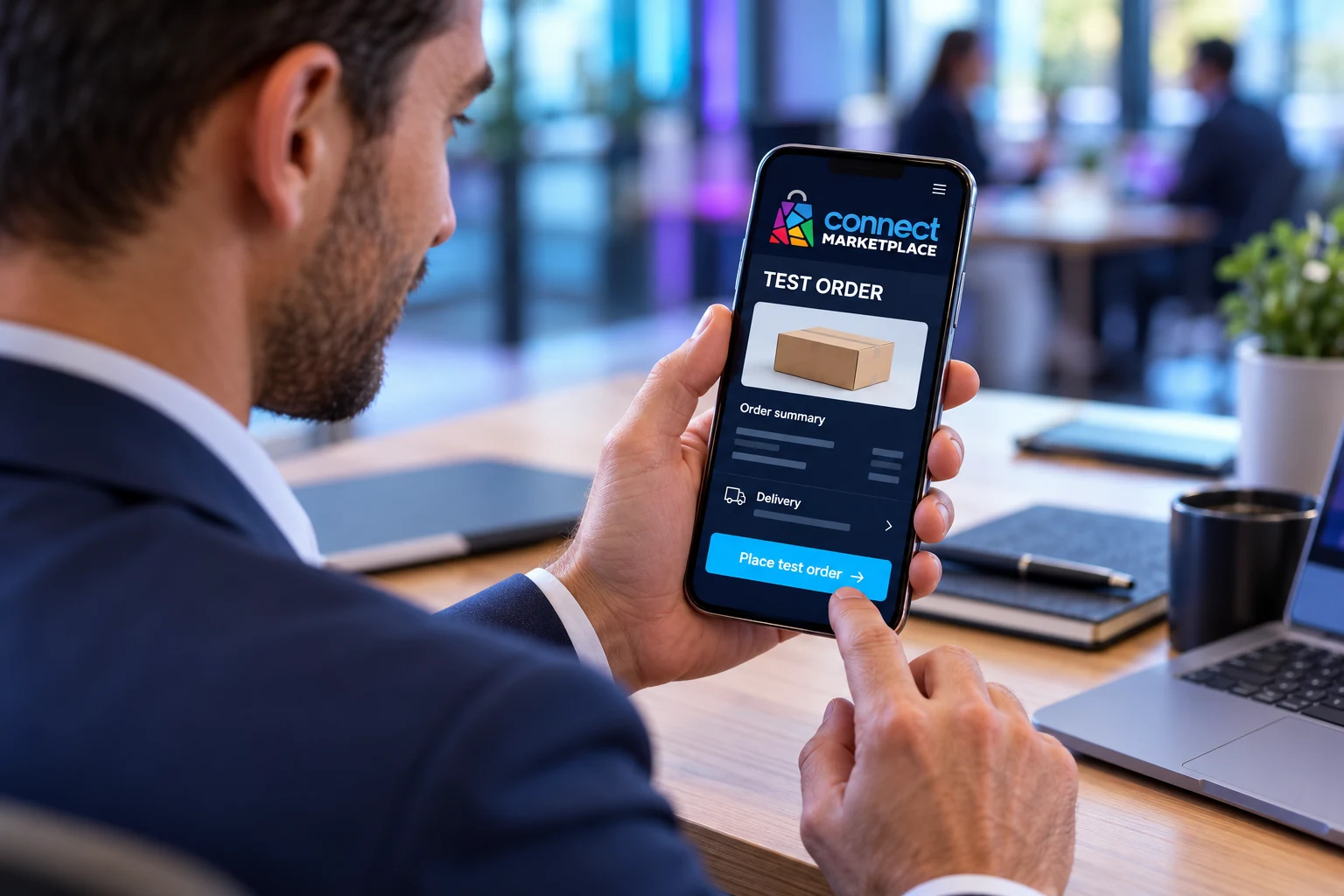
Before placing the order, agree on what is being tested
With the Connect team, confirm whether you are working in a test or production environment and which payment method is intended. Use a test method only when it is actually configured and confirmed for that integration.
Inform the person who receives orders that this is a test. Agree on who will monitor notifications, the warehouse, integrations, and any printing so the test order does not unintentionally enter preparation or delivery.
- Select a product and quantity that make sense to test.
- Use contact details that you are authorized to access.
- Agree on the expected cost and how to handle the test payment.
- Record the expected shipping method and notification recipients.
1. Open the product as a customer
Find the selected product in the public store. Read the description, check the photos, price, and availability, and select options or a variant if available.
Add the product to the cart and compare the display with what you selected. Check the name, options, quantity, unit price, and line-item amount. If the test includes changing the quantity or removing an item, also check that the amount is recalculated.
2. Go through the purchase and delivery details
Enter the agreed customer details and address. Check which shipping options are offered, how much they cost, and whether the pickup instructions are clear.
For in-person pickup, check whether the appropriate option is displayed. For delivery, select a representative address. Separately test an address outside the delivery area if your store has such restrictions.
3. Check the payment and confirm the agreed test
Before the final step, compare the items, shipping, discounts if you are testing them, and the total amount. Read the information for the selected payment method.
Proceed only according to the scenario agreed in advance. Test card details belong to the confirmed test mode of the relevant payment provider; do not enter them into a real payment. If a real transaction is required for verification, agree on the amount and procedure with the responsible person.
If the result is unclear after payment, first check the existing order and the status with the payment provider. Do not repeat the payment simply because the final screen did not appear.
4. Check the result on both sides
The existence of an order alone does not confirm a card charge or payout. Check the details and status of the relevant payment method.
- The customer sees an understandable confirmation and order number when the order has been successfully received.
- The order is visible to the correct seller in the administration.
- The items, options, quantities, amounts, and delivery match the test.
- The payment status has been checked separately from the order processing status.
- The expected messages were received at the agreed addresses.
- Connected systems completed what was specified in the test scenario.
5. Close the test and record the findings
Record the order number, time, device, payment and shipping methods, and the result of each check. For a problem, describe the expected and actual behavior, along with the steps needed to reproduce it.
Agree on how to process the test order, including any refund, cancellation, and inventory reconciliation based on the actual result. Changing the order status does not necessarily mean that a refund has also been issued. Keep the required test records.
Frequently asked questions
Can I independently test a real card payment?
First, align on the amount, the permitted testing method, and the responsible person. The actual payment, refund, and related fees depend on the payment method and the agreed terms.
Do I need to repeat the test after a fix?
Yes, repeat the affected scenario and the related steps that may have been changed by the fix. Record the new result instead of relying only on confirmation that the setting was changed.